
You publish a helpful blog post, add an image, and write a clear title. But can readers easily find the next useful page on your website?
If your articles and service pages feel disconnected, visitors may miss information that would help them understand your business. Internal linking for SEO helps you connect those pages in a way that supports both navigation and content discovery.
For a small business website, this does not need to be complicated. Start with your existing content, identify useful connections, and add links where readers would naturally want more information.
This guide explains how to build an internal linking strategy through seven practical steps.
What Is Internal Linking for SEO?
Internal linking for SEO is the practice of connecting one page of your website to another relevant page on the same website.
For example, an article about writing website content could link to your content writing service. A case study could link to the service involved in the project.
An internal link stays within your website. An external link points to another website, while a backlink is a link from another website to yours.
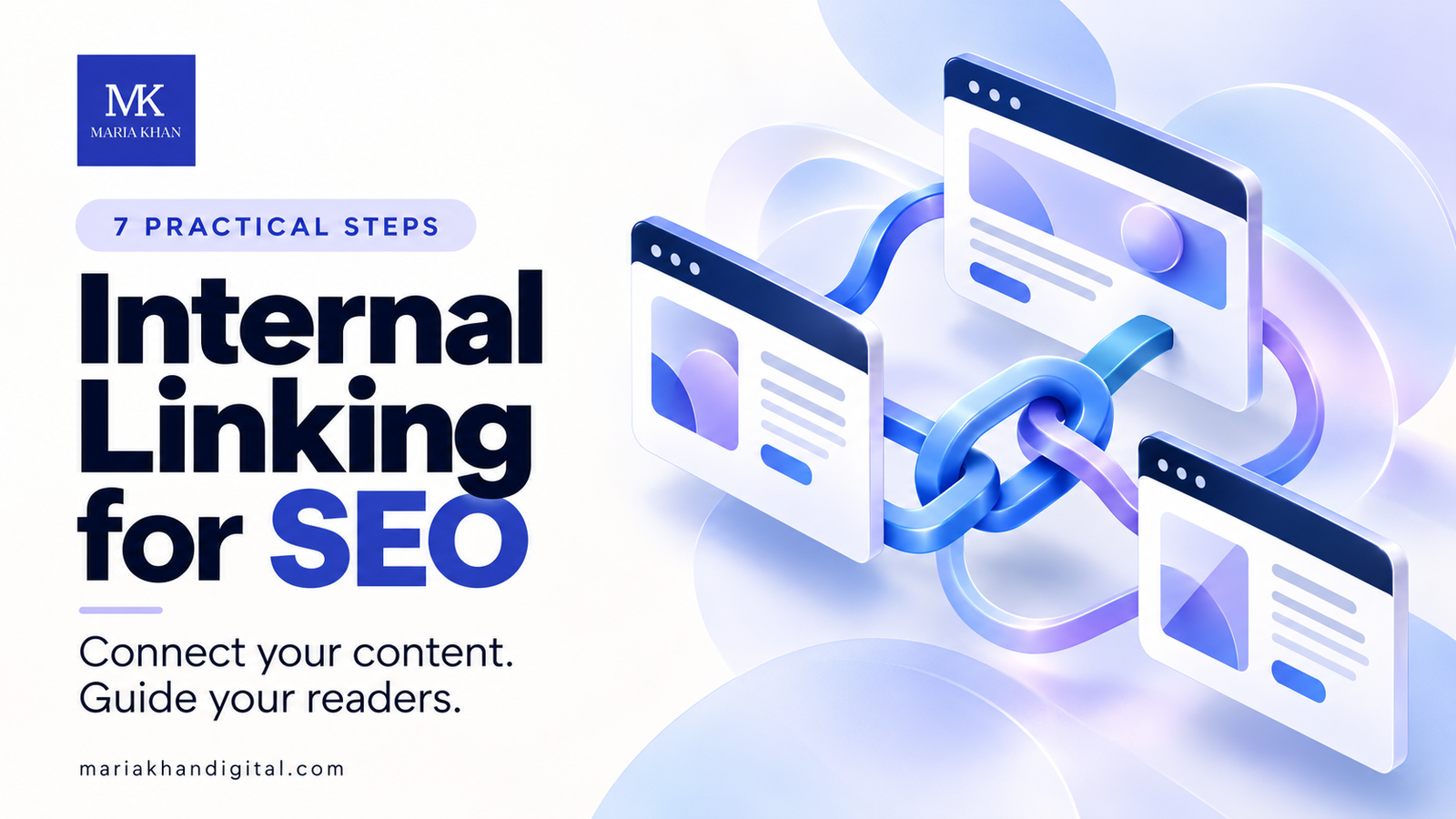
Google’s guidance explains that links help it discover pages and understand relevance. Internal links also give readers a way to explore related information without returning to your main menu.
1. Give Each Important Page a Clear Purpose
Before adding links, identify what your main pages help visitors do.
A small service website might include:
| Page | Main purpose |
|---|---|
| Homepage | Introduce the business and direct visitors |
| Services | Explain the available services |
| Individual service page | Describe one offer in detail |
| Blog article | Answer a specific question |
| Case study | Explain a project and its outcomes |
| Contact page | Help visitors start a conversation |
This list makes it easier to choose relevant destinations.
Suppose your article explains what a website content review involves. Someone reading it might want to see a sample review or ask about your service. Those pages would be reasonable destinations.
A link to an unrelated article about social media scheduling would be harder to justify.
Practical task: List your important pages and write one sentence describing why someone would visit each one.
2. Plan Internal Linking for SEO Around Reader Questions
A useful internal linking strategy follows the questions someone is likely to ask while reading.
Imagine a visitor learning how to improve a service page. They may ask:
- What information should the page include?
- Can I see an example?
- How do I write a stronger call to action?
- Can someone help me rewrite the page?
These questions could lead to a writing guide, a relevant portfolio sample, a tutorial, and a service page.
You do not need to include every destination. Choose the ones that genuinely help at that point in the article.
For example:
“Before writing your page, prepare a list of the deliverables your customer will receive.”
If you have a detailed guide to defining service deliverables, that sentence offers a natural place to introduce it.
The connection works because the linked resource expands on an idea already being discussed.
3. Choose Descriptive Anchor Text
Anchor text is the clickable wording of a link.
Google recommends descriptive, concise wording that fits both the surrounding content and the destination. Avoid forcing several keywords into one link.
Consider these examples:
| Less informative wording | More descriptive wording |
|---|---|
| Click here | Explore website content writing services |
| Read this | See a sample website content brief |
| More information | Learn how to plan a service page |
The wording should accurately describe what opens.
If the link says “sample website content brief,” readers should arrive at a sample brief rather than a general homepage.
You can review your own links with a simple question: If someone only read the linked words, would they understand what to expect?
Use natural wording. You do not need the same exact phrase every time you link to a page.
4. Add Links Where They Help Explain the Topic
The best place for a link is often the paragraph where a reader needs more detail.
Consider an article about preparing a website for launch. In a section discussing website copy, you might write:
“Review each service page to make sure it explains the offer, deliverables, and next step.”
If you have a guide to writing service pages, you could link the phrase “review each service page” to that resource.
You can also include a short related-reading section when several resources would be useful. However, avoid turning it into a long list of loosely connected articles.
Give each recommendation a reason to be there.
Before adding a link, check:
- Does the destination answer a relevant question?
- Does it provide information beyond this paragraph?
- Does the linked wording describe it accurately?
If you cannot explain why the reader would benefit, reconsider the link.
5. Review Older Content When You Publish Something New
Internal linking should be part of your publishing routine.
Suppose you publish a new article about writing a service page. Your older posts may already discuss unclear offers, website enquiries, or content planning.
Review those articles for places where the new guide adds useful detail.
A simple workflow is:
- Publish the new article.
- Identify older articles covering related questions.
- Read the relevant sections.
- Add a link where the new article helps.
- Preview the updated pages.
Keep a short record of your changes. Note the source page, destination, and reason for adding the link.
This record makes future reviews easier and helps you avoid repeatedly checking the same pages.
6. Test the Journey After Adding Internal Links
A link may look correct in your editor but still send readers to the wrong destination.
After publishing, open the page as a visitor would. Follow each new link and check what happens.
For example, if a blog post introduces a case study, read the opening of that case study. Does it explain the project promised by the link? Is there enough context for someone arriving directly from the article?
Also check the experience on your phone. Linked text should be easy to recognise and tap.
If you rename, move, or remove a page later, review the links pointing to it. Updating a destination is also a reason to check whether the surrounding wording remains accurate.
7. Review Whether Your Links Support the Website’s Goal
A website may aim to generate enquiries, sell products, build an audience, or help existing customers.
Your internal links should support that purpose while remaining useful to readers.
For a freelance service website, one possible journey is:
A visitor reads an educational article, explores a relevant work sample, reviews the service, and opens the contact page.
Not everyone will follow that sequence. Some visitors only need an answer, while others arrive ready to enquire.
Review your content with both groups in mind. Provide useful educational connections and a clear route to relevant services when appropriate.
If you measure internal-link clicks, use that information to investigate behaviour. A rarely clicked link may be poorly placed, unclear, or simply unnecessary. The number alone does not explain the cause.
Common Mistakes in Internal Linking for SEO
Linking to a Service That Does Not Match the Topic
A service link should make sense within the article. Relevance matters more than placing a promotional link in every section.
Using the Same Destination for Every Link
If every link opens your homepage, readers still need to search for the information you promised. Choose the most appropriate page.
Adding Links Without Checking the Destination
Open the destination and confirm that it is available, accurate, and useful.
Working Toward a Fixed Link Quota
Google does not specify one ideal number of links for every page. A short answer and a detailed tutorial may need different amounts of supporting information.
Frequently Asked Questions About Internal Linking for SEO
How many internal links should I add to an article?
Include links that help readers understand the topic or take a relevant next step. There is no universal number that guarantees better rankings.
Should I link from blog posts to service pages?
Yes, when the service is relevant. For example, a guide to preparing website copy could introduce a content writing service. Keep the connection helpful and clearly worded.
Can I manage internal linking without a paid tool?
For a small website, you can start with a page list and a spreadsheet. Record the connections you want to add and check them manually.
Can internal linking guarantee a Google ranking?
No. Internal linking is one part of a broader SEO effort. It cannot guarantee indexing, a particular position, or enquiries.
Improve One Reader Journey Today
Start with one useful article on your website. Identify the next question a reader might ask, choose a page that answers it, and add a clear link in the relevant paragraph.
Repeat this process as you publish and update content. Over time, you will create a website that is easier to explore and more useful to potential customers.
Need help planning your website content and internal links? Contact Maria Khan Digital to discuss your website and content goals.